How to Swap a Face in a Photo with AI
16 ноября 2026 г.5 мин чтенияSheenCloud
How to Swap a Face in a Photo with AI
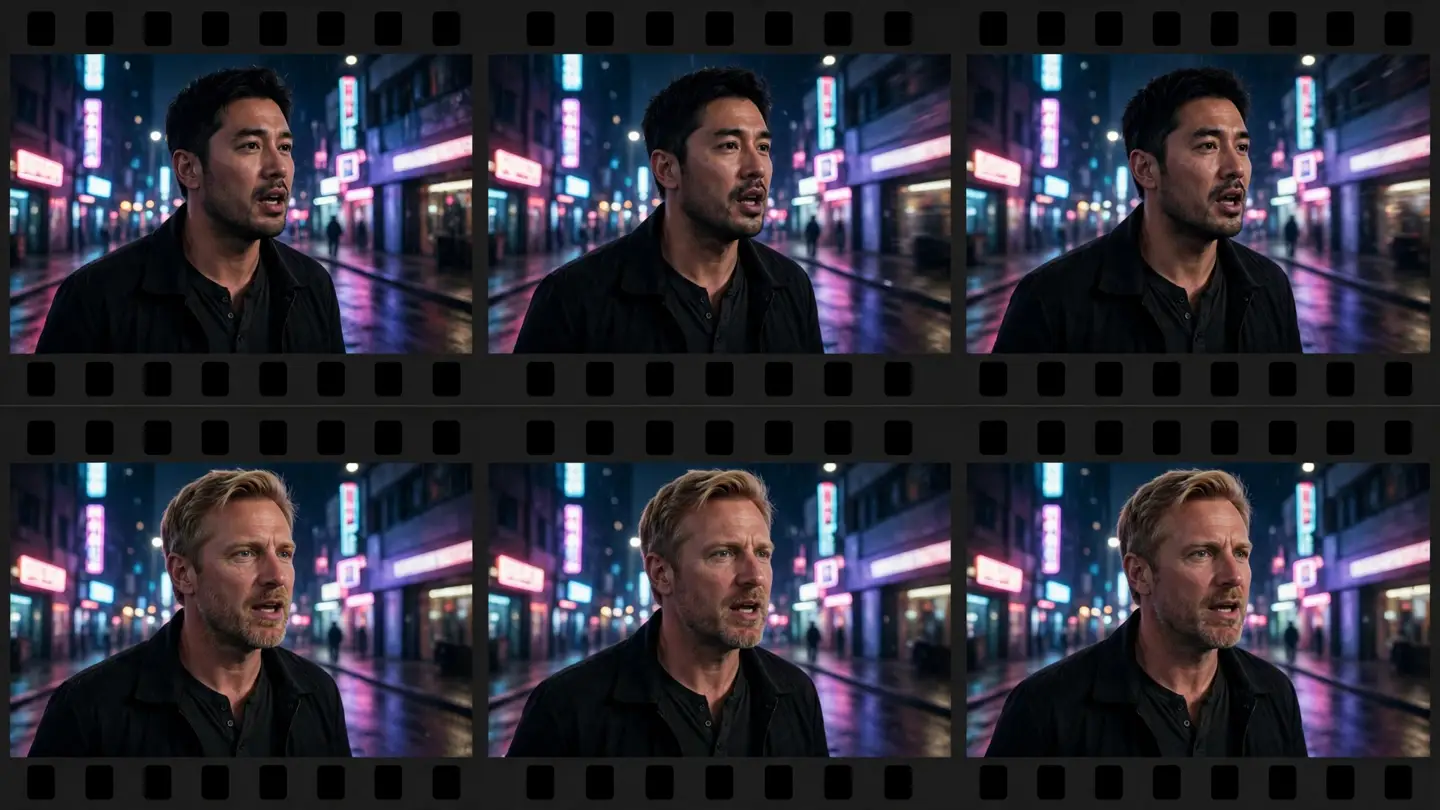
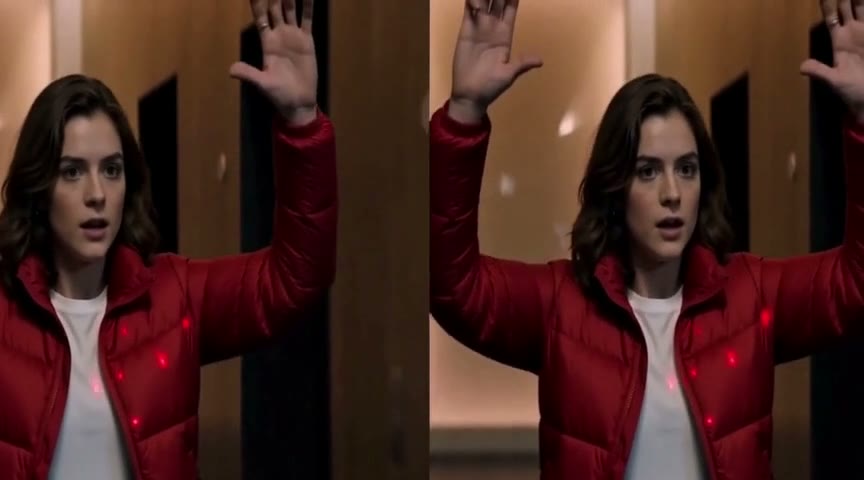
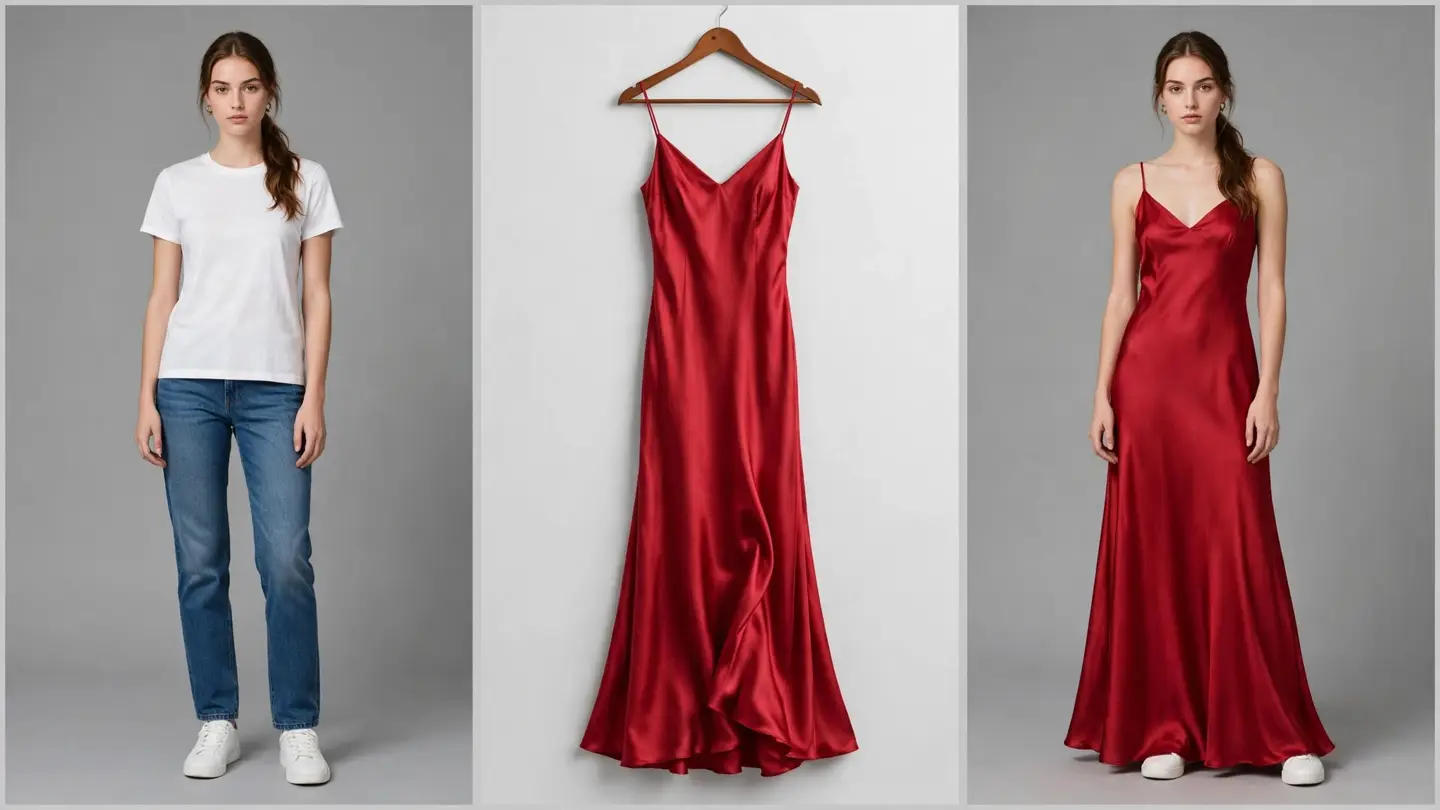
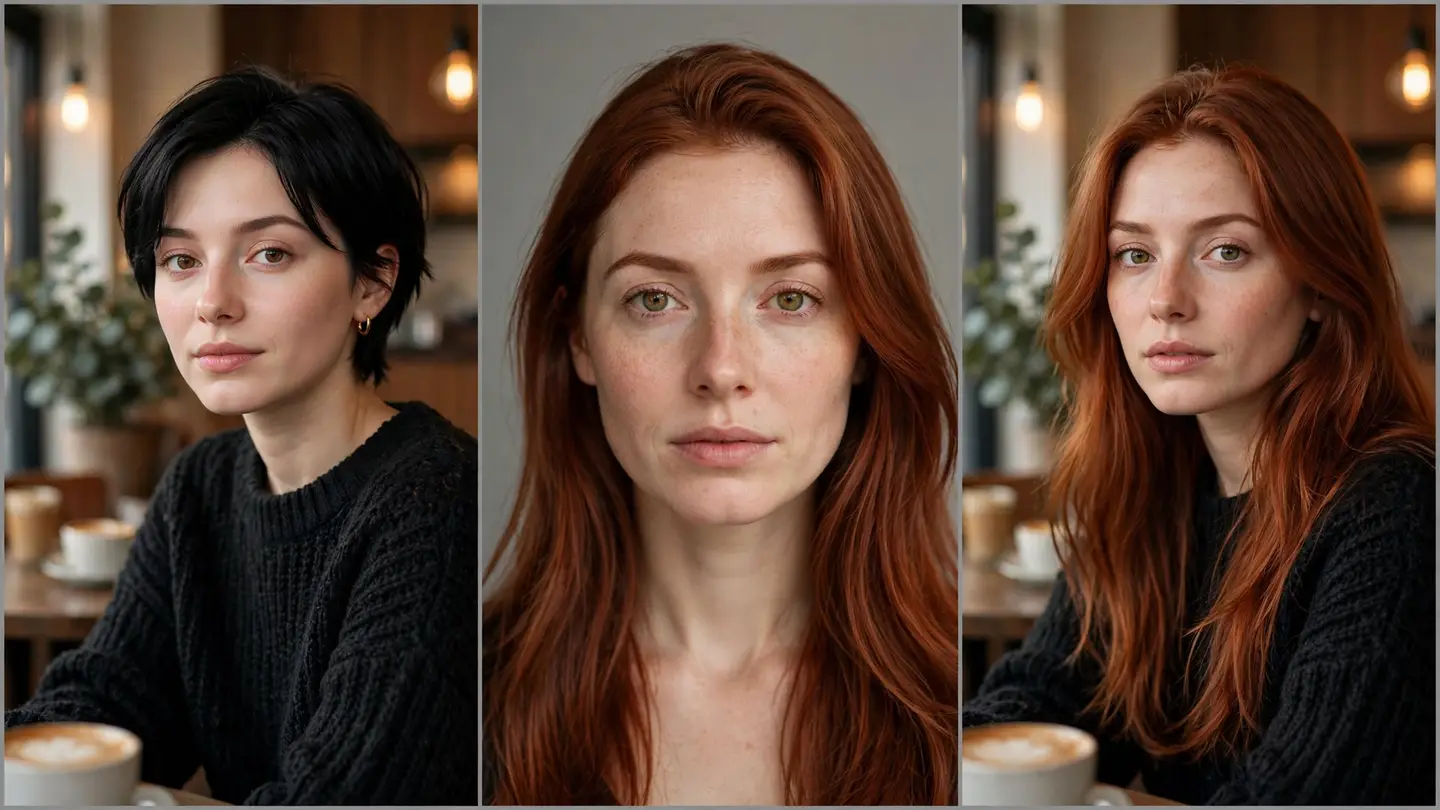
You can swap a face in a photo with AI by uploading the original photo and one clear photo of the face you want. The AI face swap tool blends the new face's features, skin tone, and lighting into the original photo — the expression, angle, and background stay as they were. You do not need editing software, and you do not need to cut anything out by hand.
How do I swap a face in a photo with AI?
- Upload the original photo. Pick the photo whose face you want to change. A clear, well-lit photo works best.
- Upload the target face. One clear, front-facing photo of the face you want, with good lighting and no obstructions. The tool detects the face in it so you can confirm it picked the right one.
- Start the task, then download the result. The tool fuses the new face into the original — matching skin tone and light direction — and you preview the result before downloading. Finished tasks stay in your task history, so you can check the result before you use it anywhere.
See the before-and-after on the photo face swap page before you try your own photos.
What does AI photo face swap cost?
Photo face swap costs 200 credits per image. New users get 1,000 free credits on sign-up, which covers five photo swaps. The studio shows the cost before you confirm, so there are no surprises — one image, one fixed price.
Credits are reserved when the task is created, and failed or unfinished tasks are refunded automatically.
Can I get a photo face swap without a watermark?
The free tier exports with a watermark. Watermark-free exports are a membership benefit — members on the premium plan get watermark-free results. There is no free no-watermark option, and any tool promising a free watermark-free swap is not describing this product.