One sentence is all it takes
No Photoshop, no masking — upload a picture, describe what to change, and AI edits it your way. Product photos, portraits, social posts, all covered.
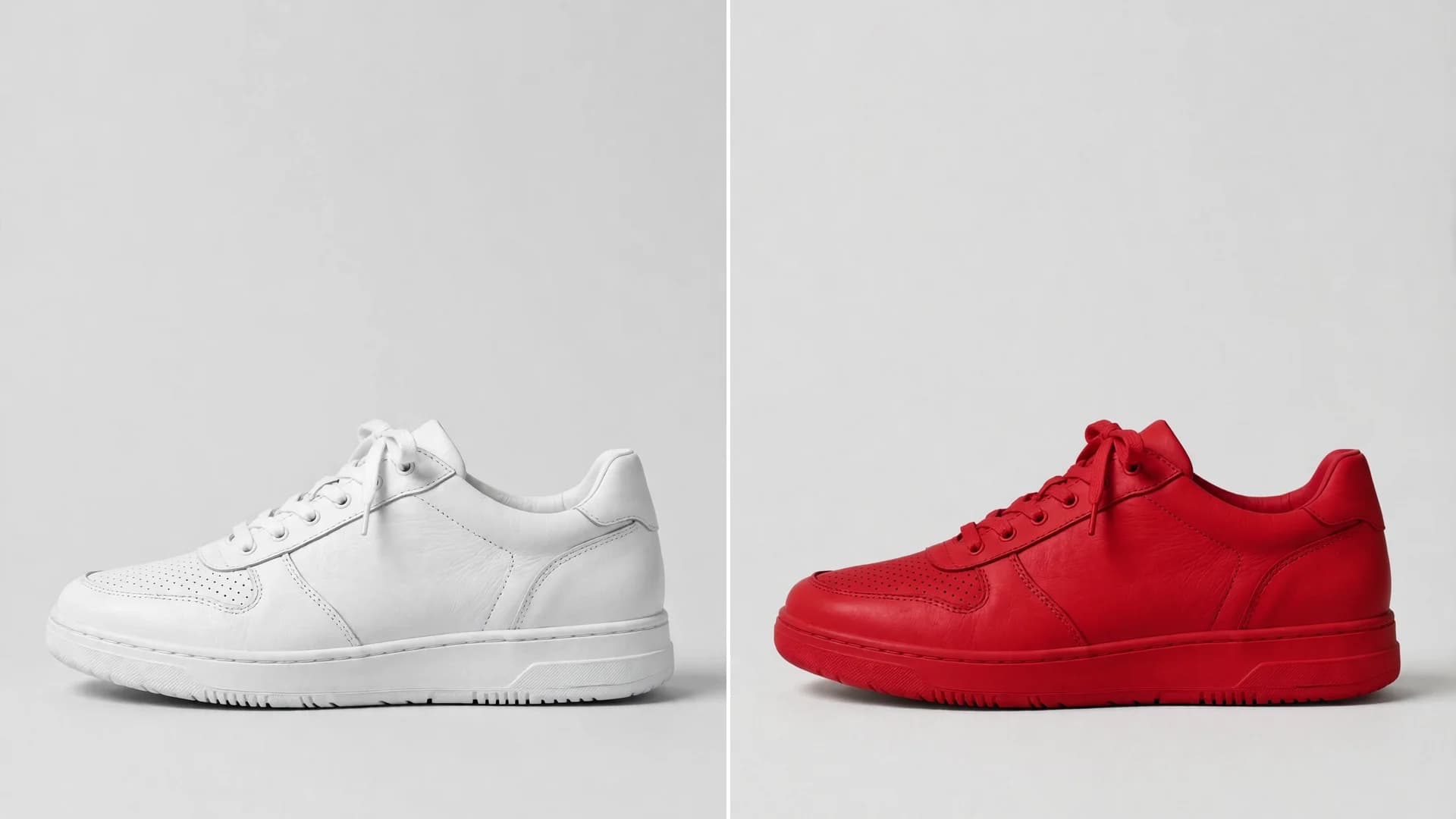
See it in one glance: before & after
AI-generated examples below: original on the left, AI result on the right.
「Make the white sneakers red, keep everything else the same」
Image Editor — where it shines
See how others get more done with it — you could be next.
Ecommerce product photos
Edit product photos with words — recolor, change the scene, and use them in listings and ads.
Portrait retouching
Retouch portraits with words — change clothing colors, adjust light and mood.
Social media images
Fix a social post with one sentence — change the style, add atmosphere.
Ads and posters
One base image, one new sentence — a new version every time.
Get it done in 3 steps: Image Editor
No tutorial needed — three clicks is all it takes.
Upload images
1 to 5 JPG / PNG / WebP images, up to 10MB each.
Write the edit
Say what to change and what it should become — the more specific, the better.
Generate and download
Preview the edited picture and download it in one click.
Why choose SheenCloud
Edit with words
Write one sentence about what to change — color, background, and mood follow your words. No masking, no Photoshop skills.
Up to 5 images at once
Edit 1 to 5 images together with one description, and get the results in one go.
200 credits per task
200 credits each time, not per image — a fixed, transparent price, adjustable in the admin panel.
About AI Image Editor
Have a picture you want to change? Upload it, write one sentence about what to change, and AI edits it from your words — color, background, mood, style, all in one sentence.
Product photos, portraits, and social posts can all be edited; new users get free credits on sign-up, so try a few edits free first.
Image Editor FAQ
New users get 1,000 free credits on sign-up — enough for 5 edits. After that, each task costs 200 credits, shown on the creation page.
Upload a picture, write one sentence
Sign up and get free credits — edit a few pictures free first and feel how AI edits from your words.
New users get 1,000 free credits on sign-up
No download · Works right in your browser · Start free