AI Video Face Swap Without Watermark: What Actually Works in 2026
2026年11月12日5 分SheenCloud
AI Video Face Swap Without Watermark: What Actually Works in 2026
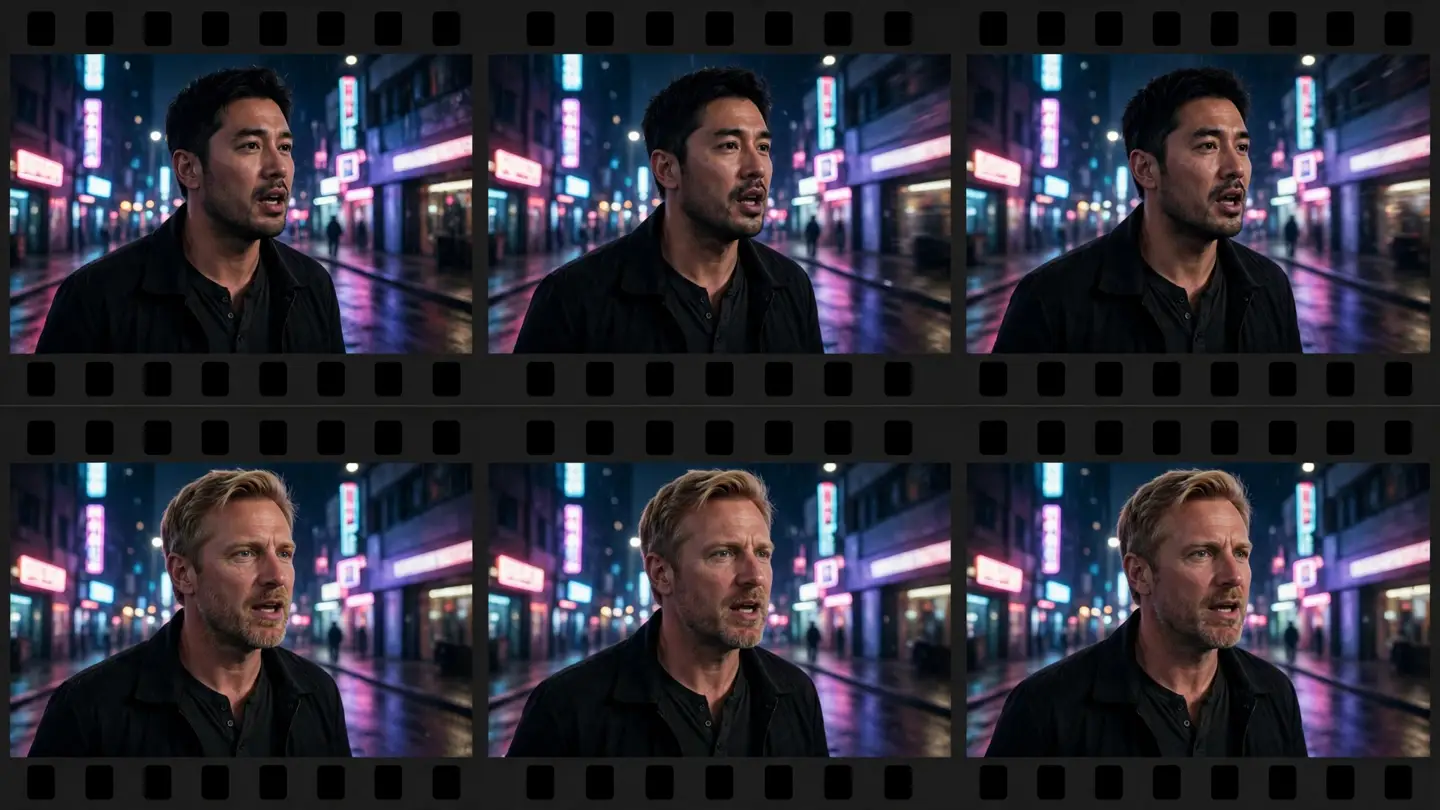
You can face swap a video with AI by uploading one clear photo of the face you want and the video to change. The AI video face swap tool detects the face in the video, tracks it frame by frame, and replaces it with the new face — the body, clothes, scene, and timing stay exactly as filmed, and you can keep the original audio. You do not need to reshoot, and you do not need editing software.
How do I face swap a video with AI?
- Upload a photo of the face you want. One clear, front-facing photo with good lighting works best. The tool detects the face in the photo so you can confirm it picked the right one.
- Upload the video to change. MP4, MOV, or WebM, up to 100 MB. The tool detects the faces appearing in the video, and you select which face to replace. The studio suggests keeping videos under 5 minutes.
- Start the task, then download the result. The tool processes the video frame by frame, keeping the face steady across cuts and movement. Finished tasks stay in your task history with a video player, so you can check the result before you use it anywhere.
Watch the demo on the video face swap page to see the frame-by-frame result before you try your own footage.
What does AI video face swap cost?
Video face swap is priced per frame: 1 credit per video frame. The studio counts the frames in your video and shows the exact cost before you confirm, so there are no surprises — a longer video or a higher frame rate costs more because it has more frames.
As a guide, at 30 frames per second a 10-second clip is about 300 frames, or about 300 credits. New users get 1,000 free credits on sign-up, which covers roughly a 30-second clip at 30 fps. A 5-minute video is about 9,000 frames at 30 fps, so it is not free — the free credits cover a short clip, not a full 5-minute video.