ブログ
AI画像・動画作成の最新情報、技術解説、活用ガイド。
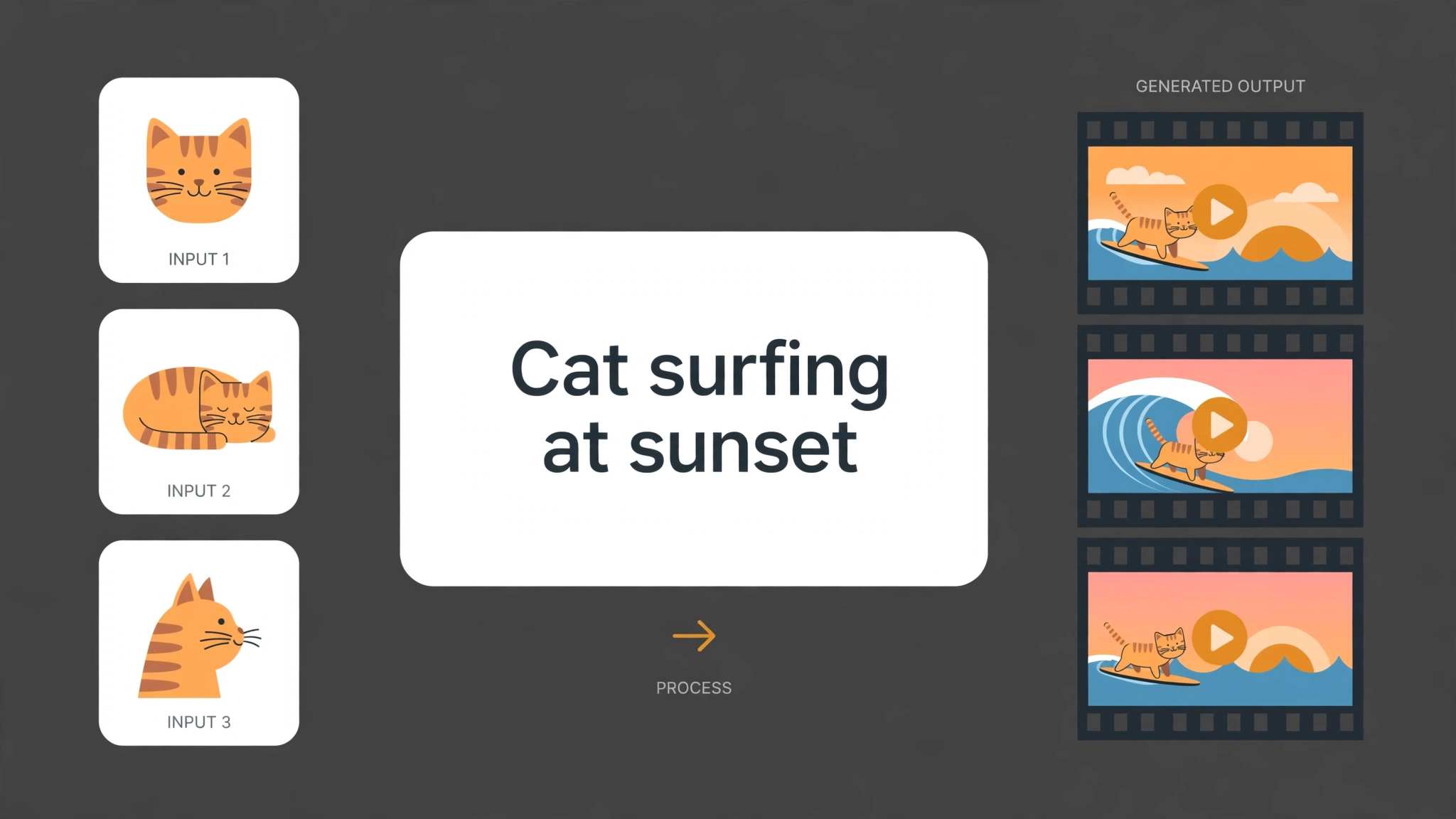 ガイド2026年11月23日5 分Turn a Product Photo into a Video Ad with AIAnimate a product photo into a video ad with AI by uploading 1–5 reference photos and writing one sentence about the motion — the tool keeps the product looking like your product while it moves. Here is how it works, what a 5-second clip costs, and when to use it instead of text-to-video.
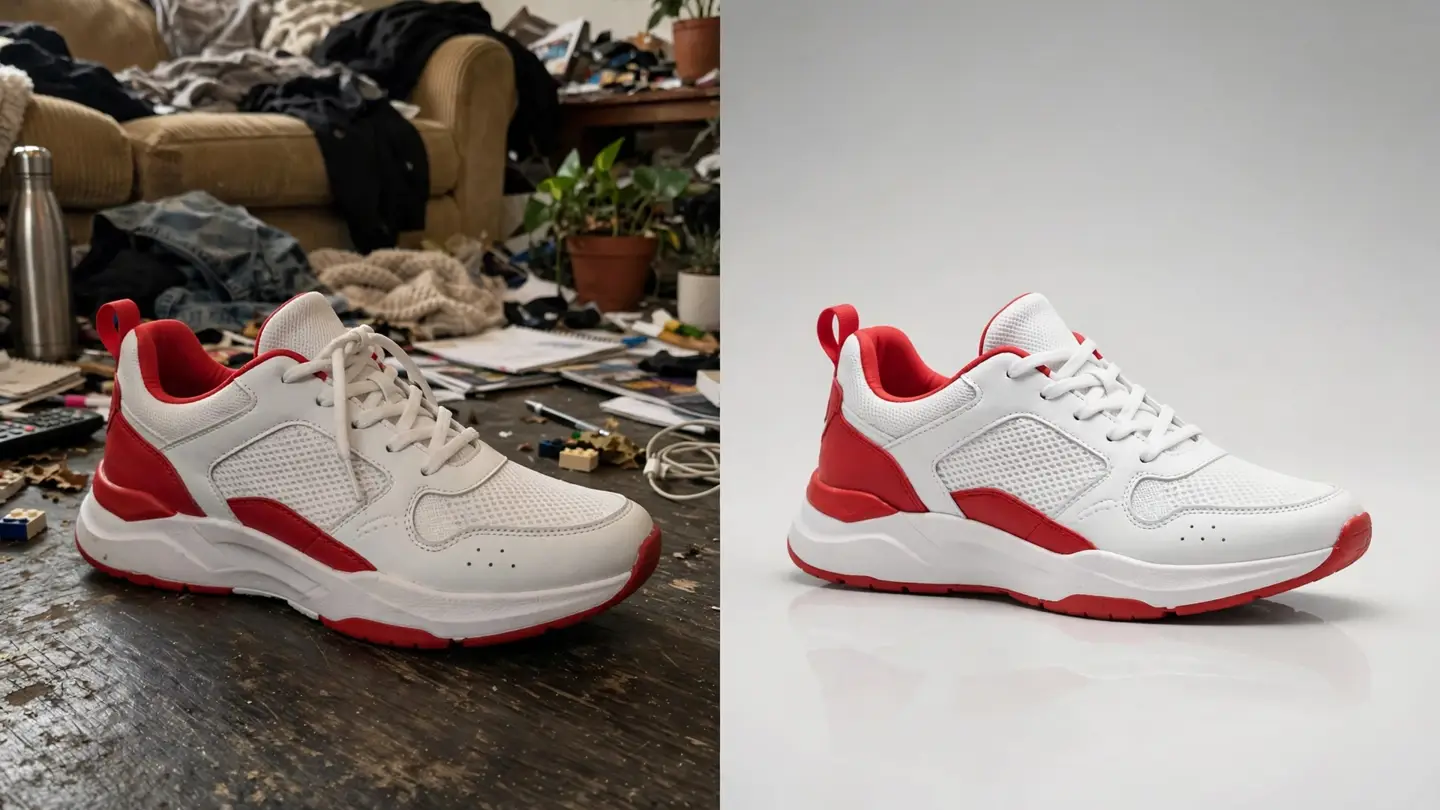 ガイド2026年11月21日5 分AI Product Photo Backgrounds: From Phone Shot to Listing-ReadyRemove the background from a product photo with AI by uploading the shot and picking a new background — the tool cuts the product out, matches the light, and exports a listing-ready image. Here is how it works, what one image costs, and when to use a white, transparent, or scene background.
 ガイド2026年11月20日7 分How to Write Text-to-Video Prompts: 3 Real ExamplesA good text-to-video prompt is one block of plain English: scene first, then subject, action, camera move, and sound. Here are three real prompts run on SheenCloud, with the actual videos they produced.
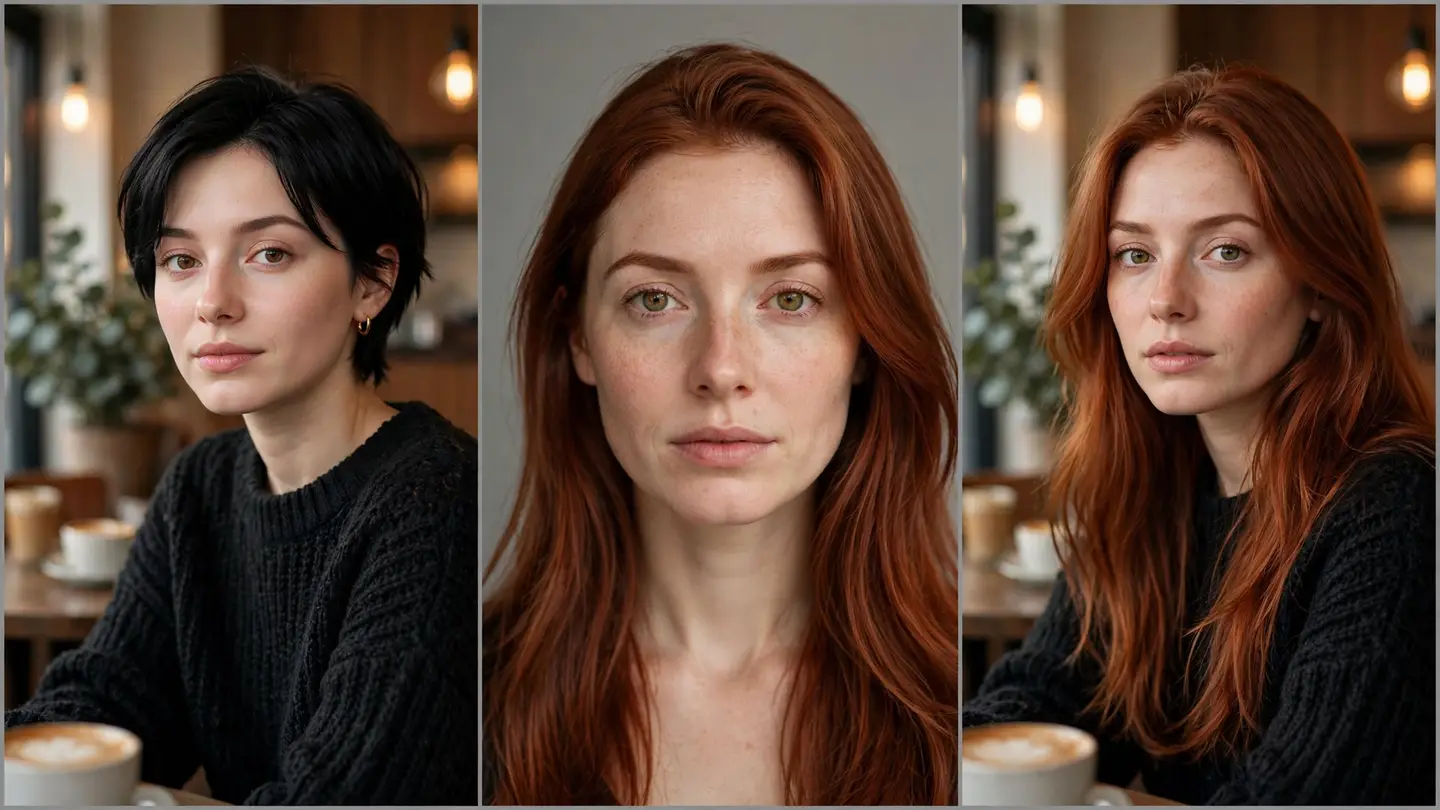 ガイド2026年11月16日5 分How to Swap a Face in a Photo with AISwap a face in a photo with AI by uploading the original photo and one clear face photo — the tool blends features, skin tone, and lighting while keeping the original expression. Here is how it works, what one swap costs, and when to use it instead of a video face swap.
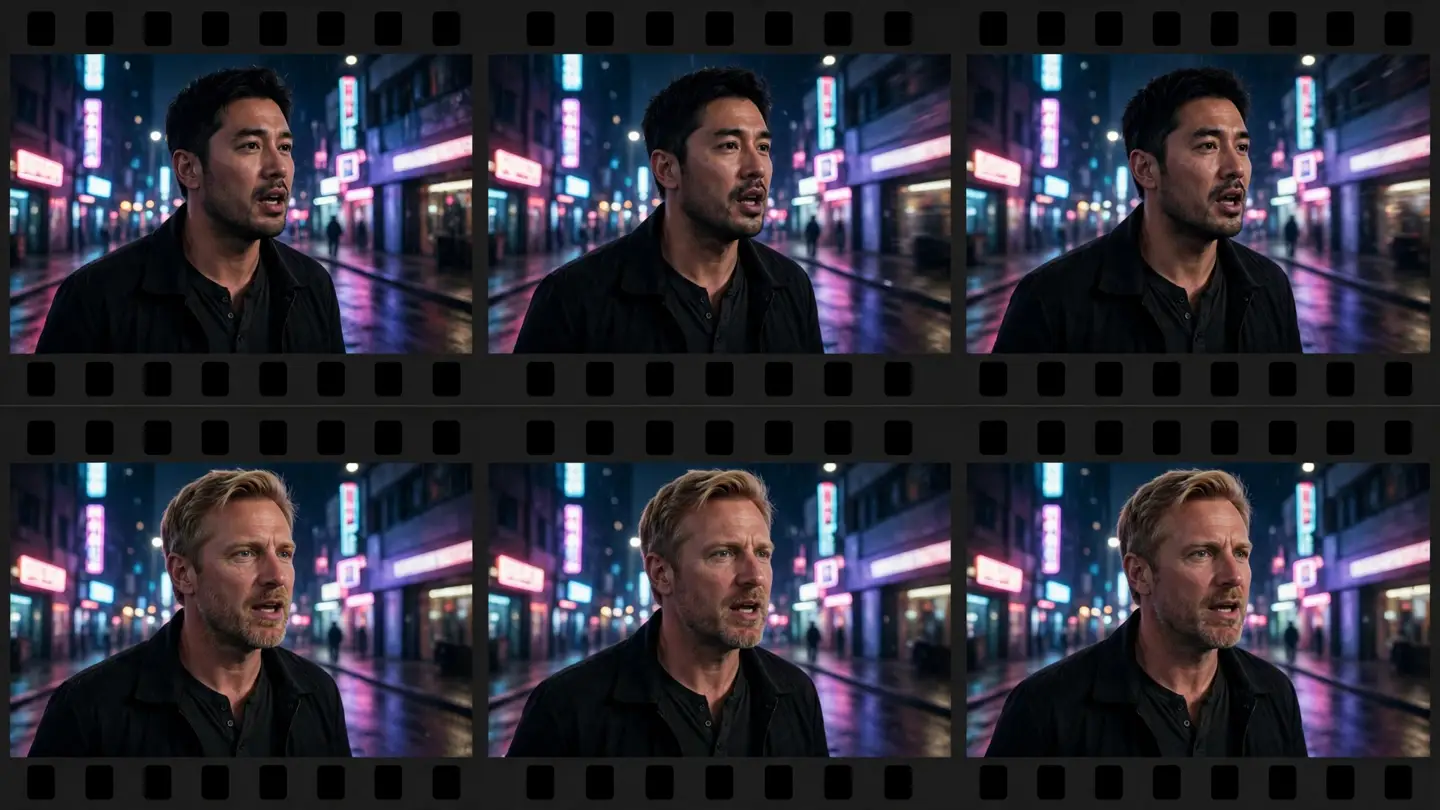 ガイド2026年11月12日5 分AI Video Face Swap Without Watermark: What Actually Works in 2026Swap a face in a video with AI by uploading a clear face photo and the video — the tool tracks the face frame by frame and keeps the original audio. Here is how it works, what a 5-minute video actually costs, and how to get a watermark-free result.
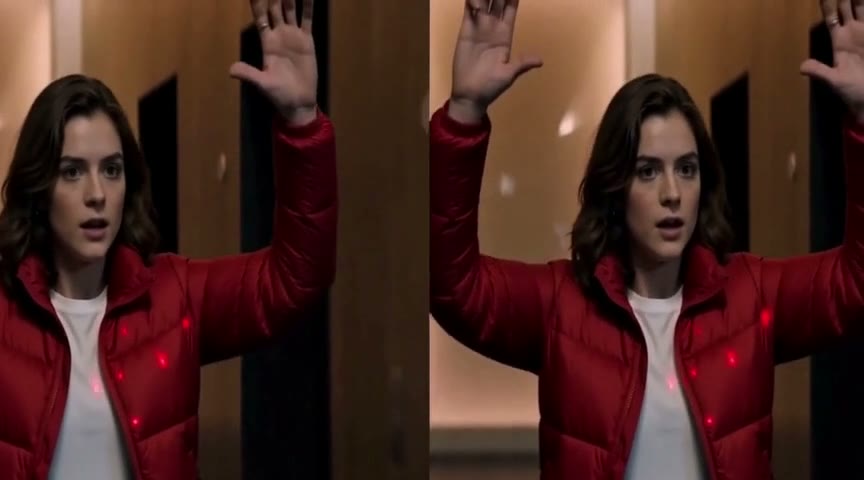 ガイド2026年11月9日5 分How to Replace a Person in a Video with AI (No Reshoot)Upload 1–5 photos of the person you want and the video to change, and AI replaces the person in the video while keeping the scene, motion, and timing. Here is how it works, what to prepare, and when to use it instead of a face swap.
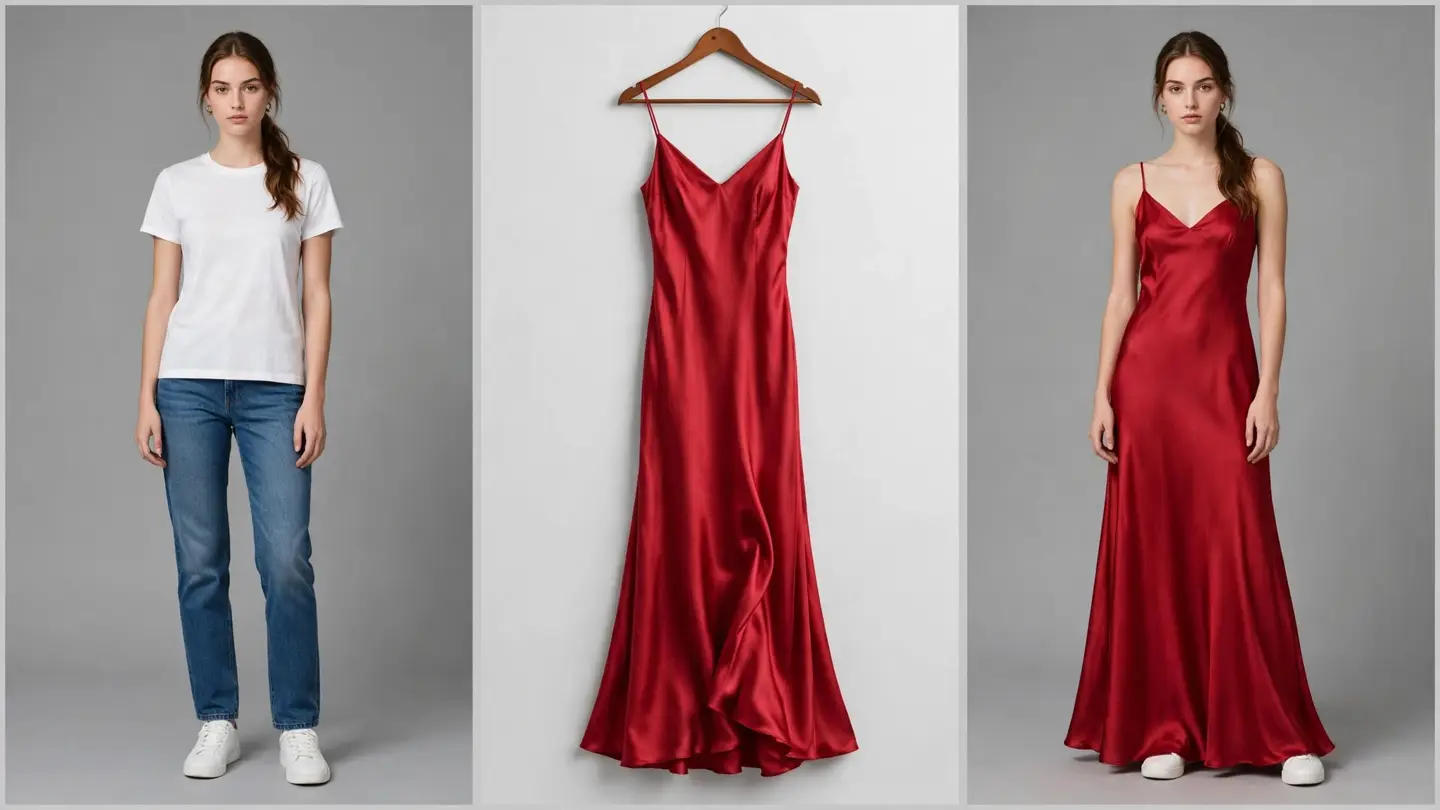 ガイド2026年11月3日3 分How to Change an Outfit with AI: A Practical Guide for Sellers and CreatorsUpload a person photo and a garment photo, and AI drapes the garment onto the person with matching folds and lighting — usually in 1–3 minutes. Here is how to get a clean result, and what to check before you publish it.