Turn a Product Photo into a Video Ad with AI
23 ноября 2026 г.5 мин чтенияSheenCloud
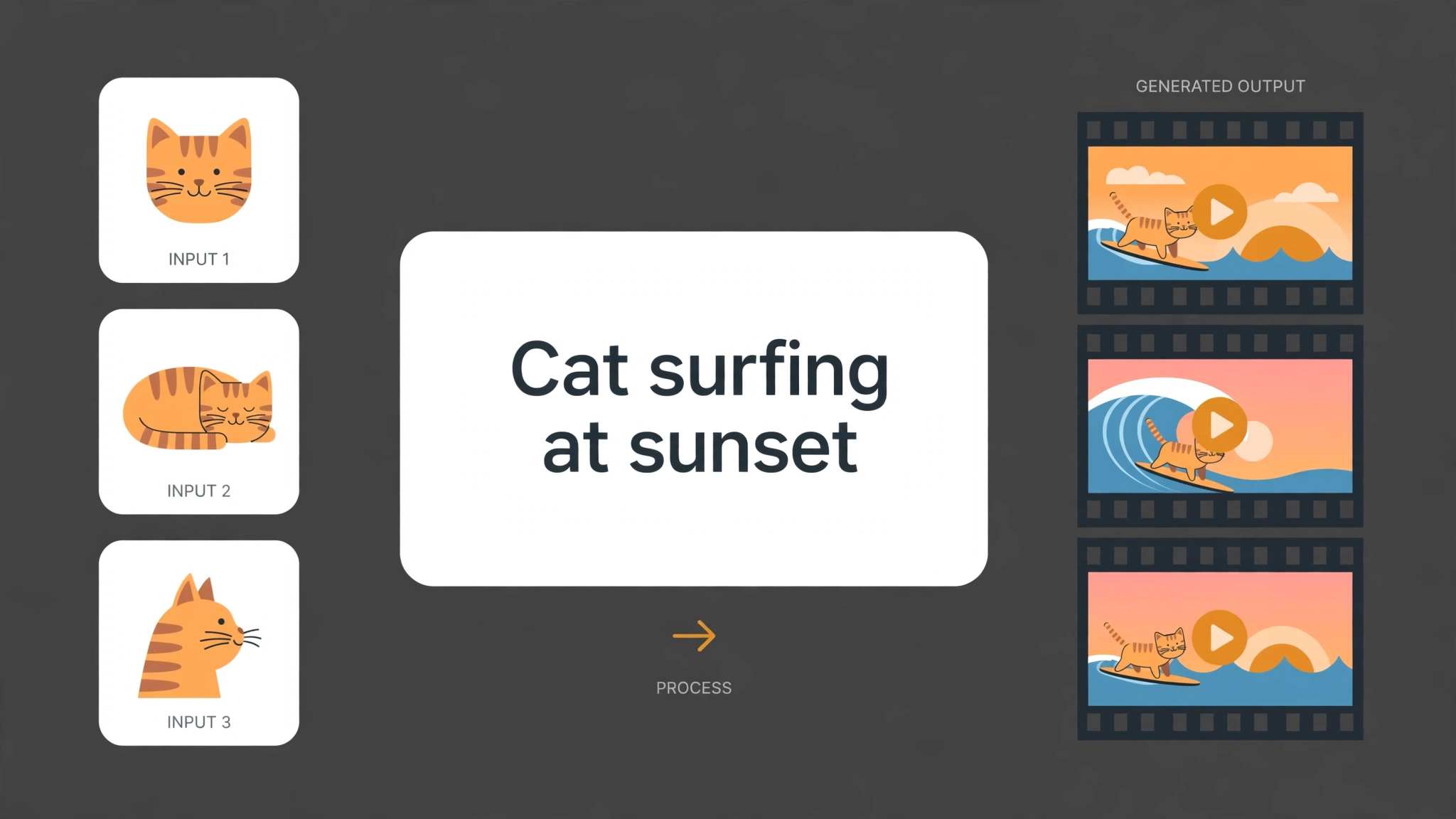
You can animate a product photo into a video ad with AI by uploading 1 to 5 reference photos and writing one sentence about how the product should move — the image-to-video tool keeps the product looking like your product while it rotates, walks, or turns toward the camera. A single listing photo becomes a 5-second video ad in about a minute, with no camera, no shoot, and no editing software. It runs online in your browser — upload, write your prompt, and download the clip.
How do I animate a product photo into a video with AI?
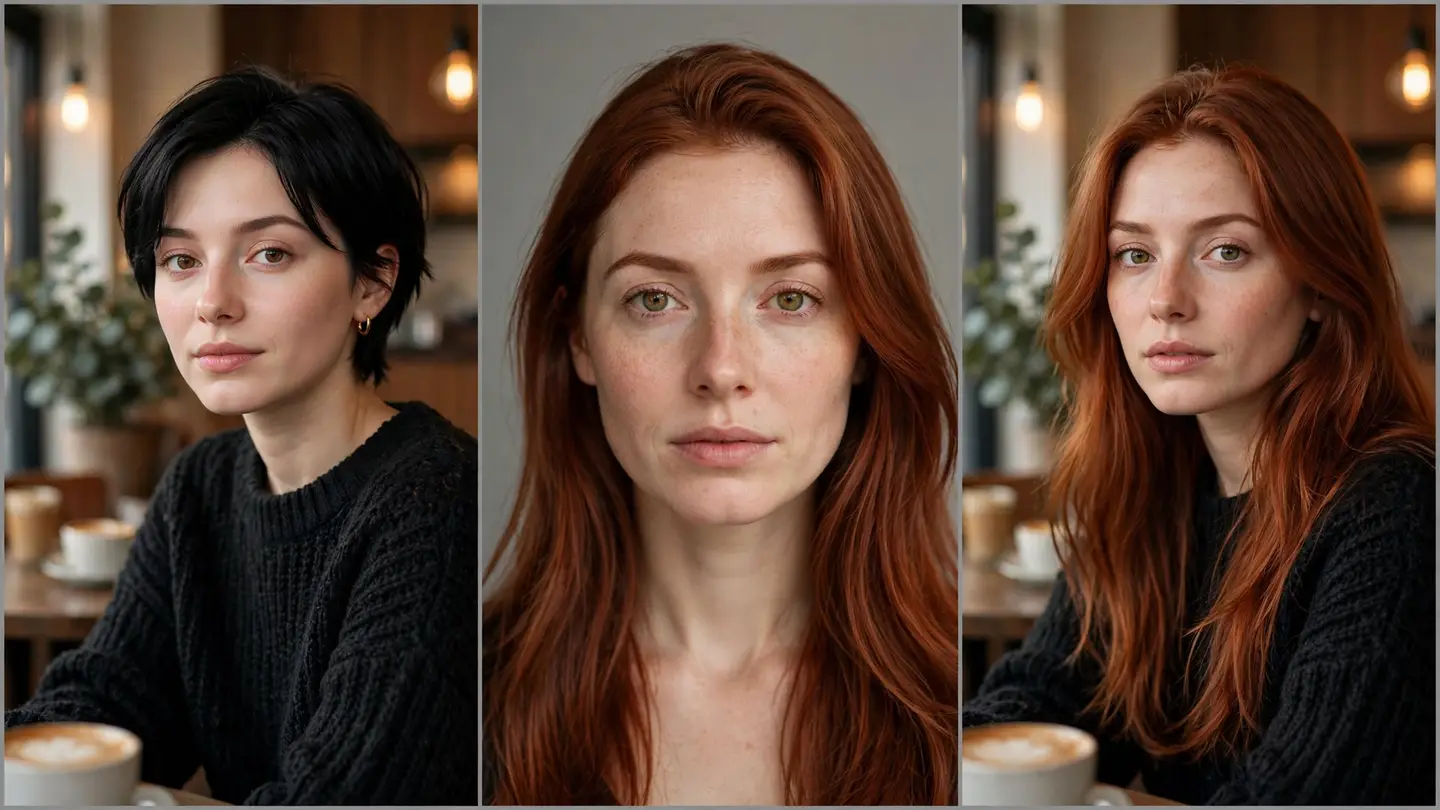
- Upload 1 to 5 reference photos. One clear shot of the product is enough; up to five help when the product has to stay recognisable from every angle — front, side, detail, packaging. JPG, PNG, or WebP, up to 10 MB each.
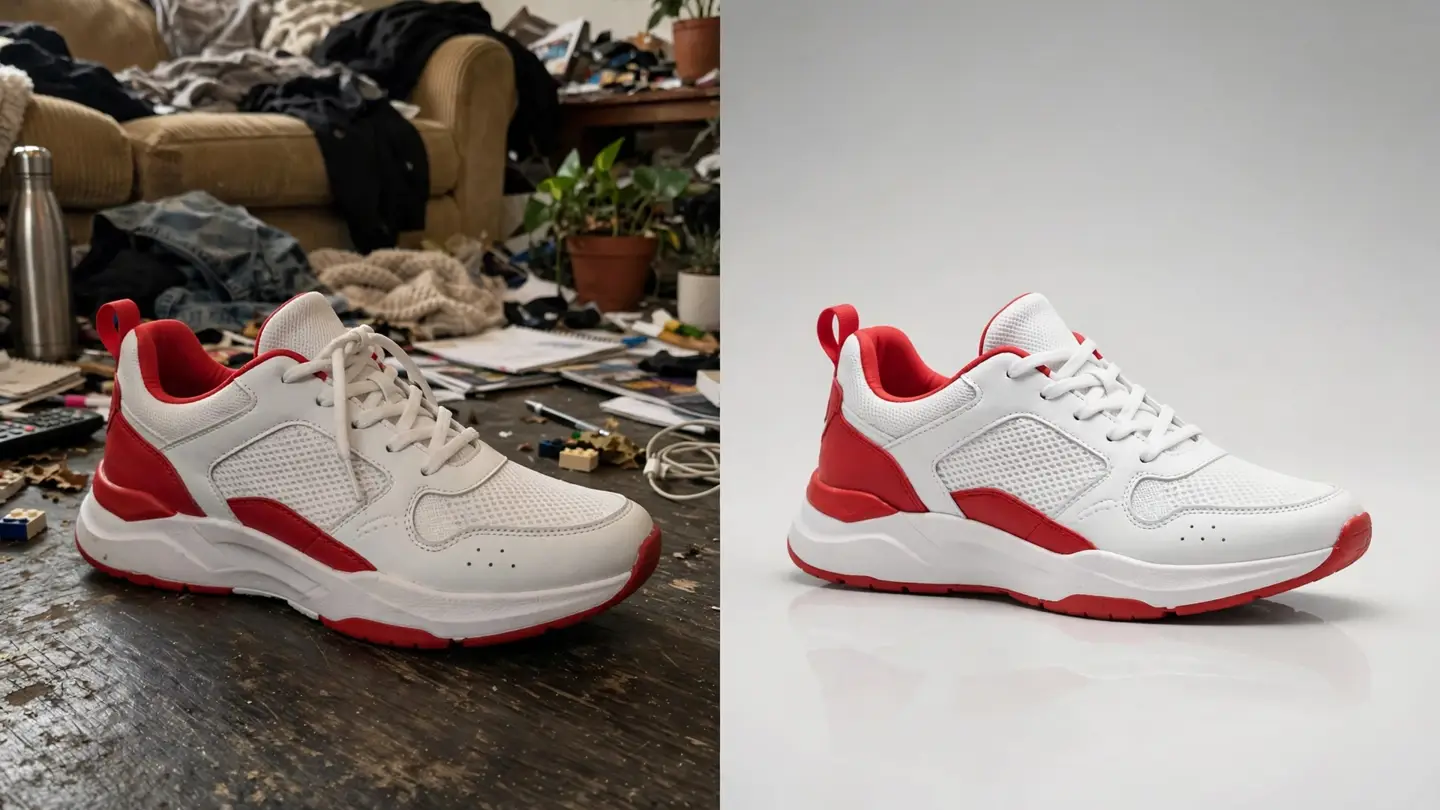
- Write one sentence about the motion. Something like "the white sneaker slowly rotates on a sunny beach boardwalk at golden hour" — the sentence locks the motion and the camera, while the photos lock the product.
- Pick length, shape, and quality, then start. Clips run 5, 10, or 15 seconds; aspect ratios 16:9, 1:1, 9:16, or 4:3; resolutions 480p, 540p, 720p, or 1080p. The studio defaults are 5 seconds, 480p, 16:9. Preview the result before downloading; finished tasks stay in your task history.
See a real example on the image-to-video page: a white sneaker, shot once, rotating on a golden-hour boardwalk — same shoe, new motion, no reshoot.
What does an AI product video cost?
Image-to-video is priced per second by resolution: 480p is 20 credits a second, 540p is 30, 720p is 50, and 1080p is 100. A 5-second 480p clip costs 100 credits; a 5-second 1080p clip costs 500. New users get 1,000 free credits on sign-up, which covers ten 5-second clips at 480p, or 50 seconds in total at that resolution. The studio shows the cost before you confirm, so there are no surprises.
Credits are reserved when the task is created, and failed or unfinished tasks are refunded automatically.