SheenCloud

AI image & video creation platform — upload your media and turn imagination into visuals in seconds.

Features

  • AI Outfit Changer
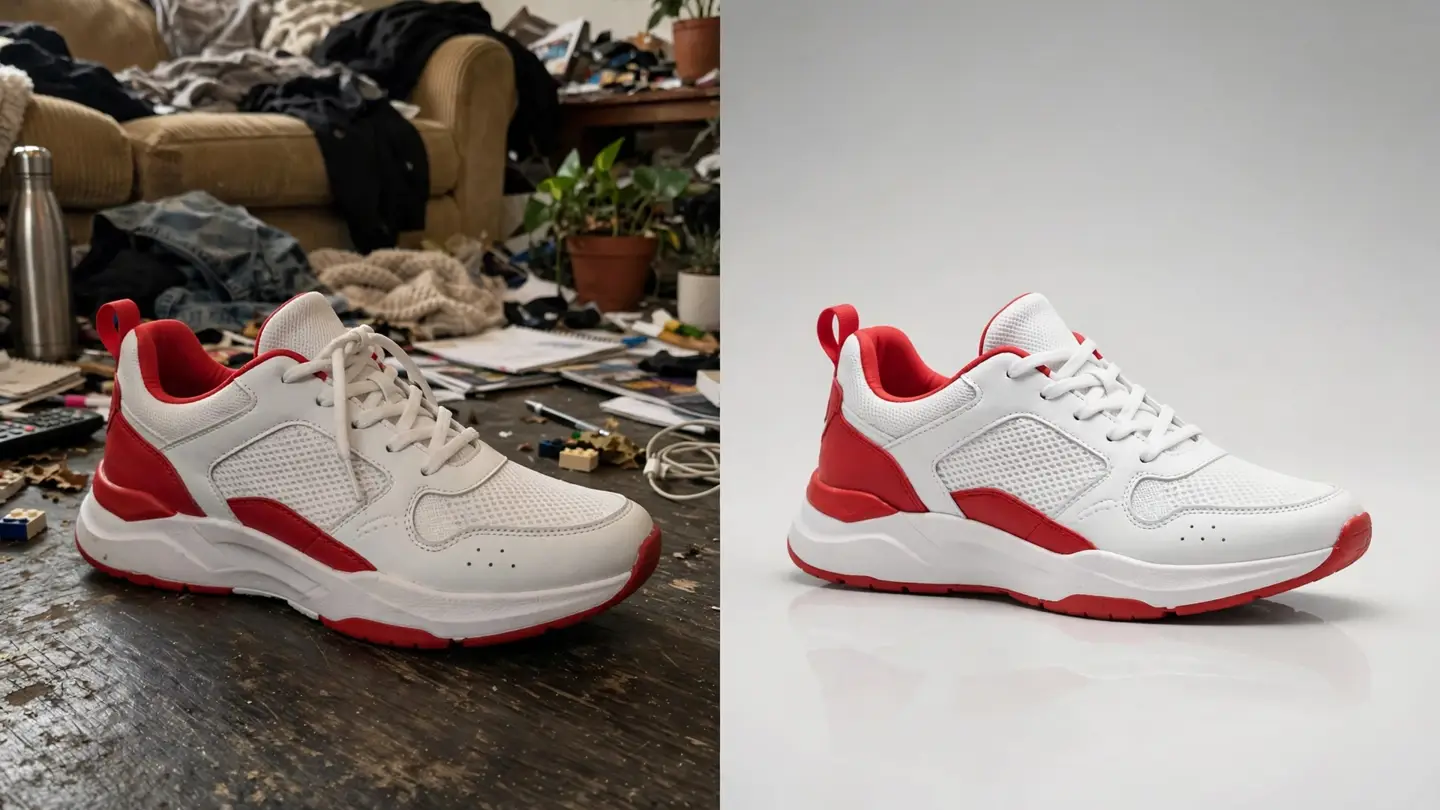
  • AI Background Remover & Replacer
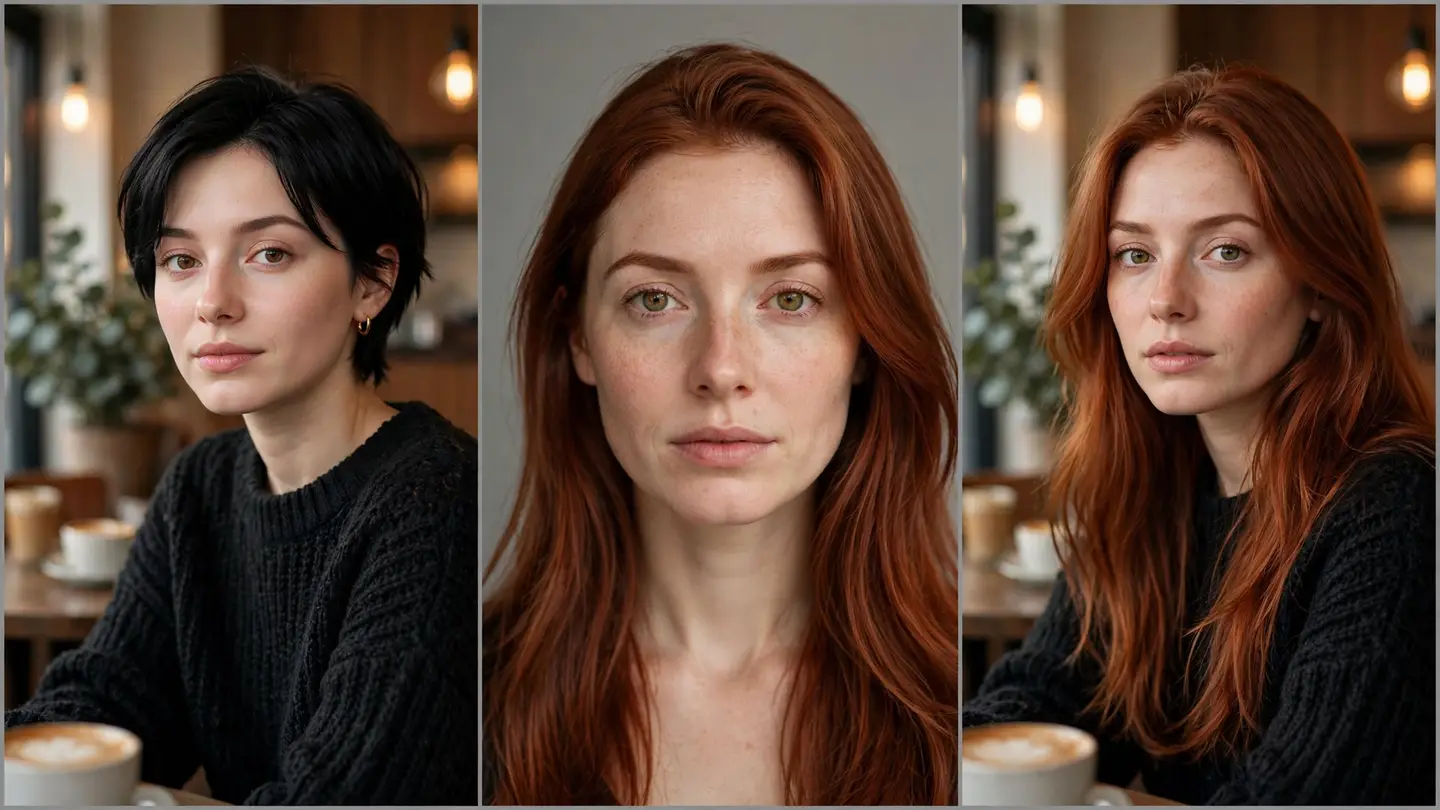
  • AI Face Swap (Photo)
  • AI Character Swap
  • AI Anime Stylizer
  • AI Text to Image
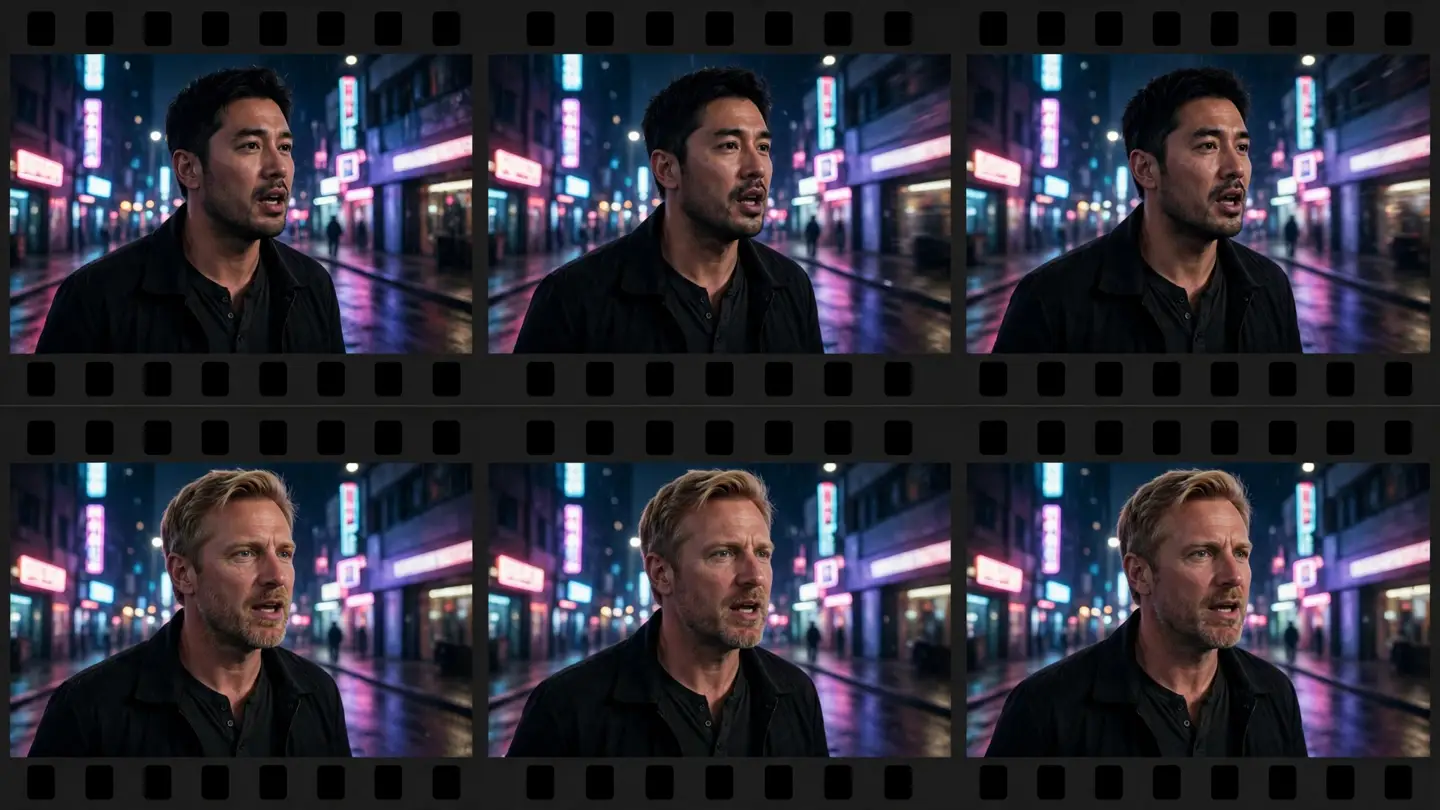
  • AI Video Face Swap
  • AI Text to Video
  • AI Image to Video
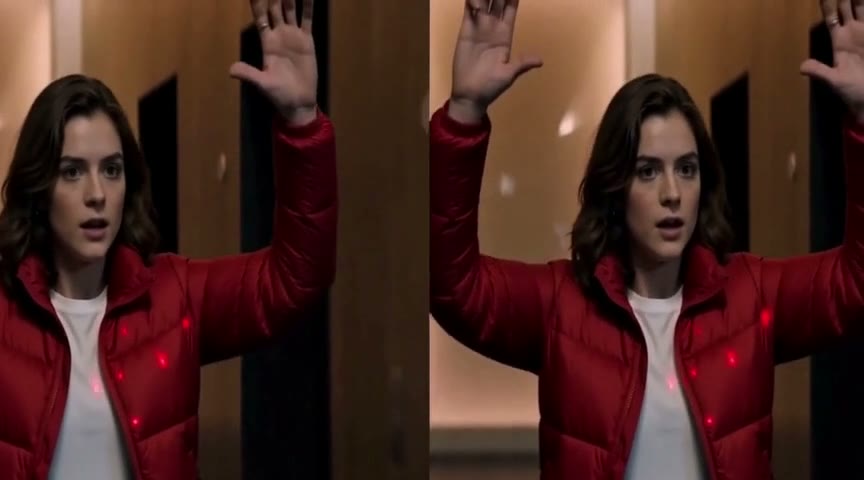
  • AI Video Character Replace
  • AI Image Editor

Resources

  • Start creating
  • All features
  • FAQ
  • Blog

Legal

  • Privacy Policy
  • Terms of Service

© 2026 SheenCloud. All rights reserved.

SheenCloud
Home

Image

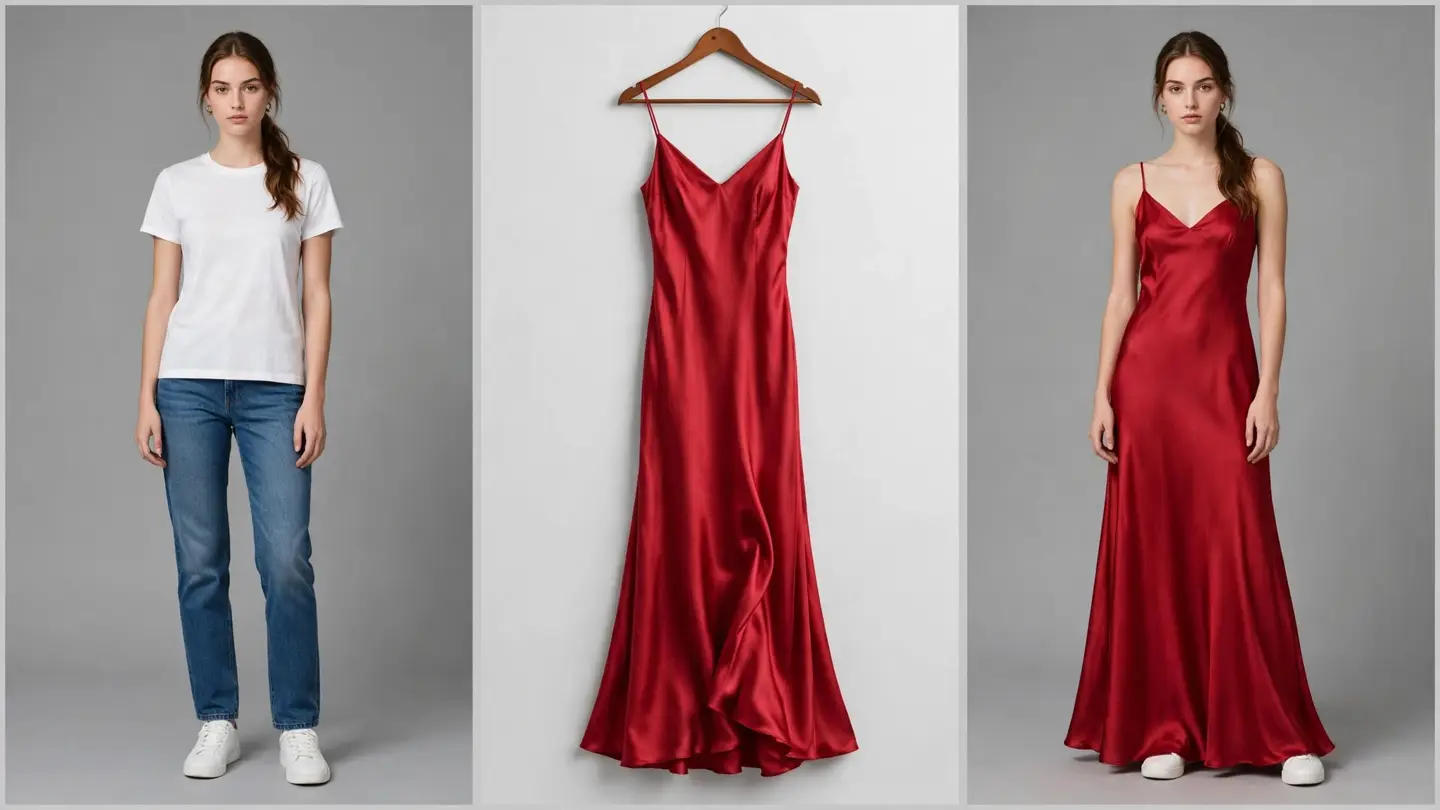
🎨Text to ImageType a sentence and AI generates the image — photos, illustrations, product shots, design renders.🖌️AI Image EditorUpload images, write one sentence, and AI edits the picture your way — recolor, restyle, change the mood, no Photoshop.👔Outfit ChangeUpload a photo and let AI swap the outfit in one click — draped naturally to the body, with matching light and shadow.🖼️Background EditorRemove backgrounds in one click and drop in any scene — with hair-level edge precision.😀Face SwapUpload the original photo and the target face — AI blends features, skin tone, and expression seamlessly.🦸Character SwapSwap the person in any photo with a character of your choice — pose and action perfectly preserved.✨Anime StyleTurn real photos into Pixar, Ghibli, anime, and more cartoon styles.

Video

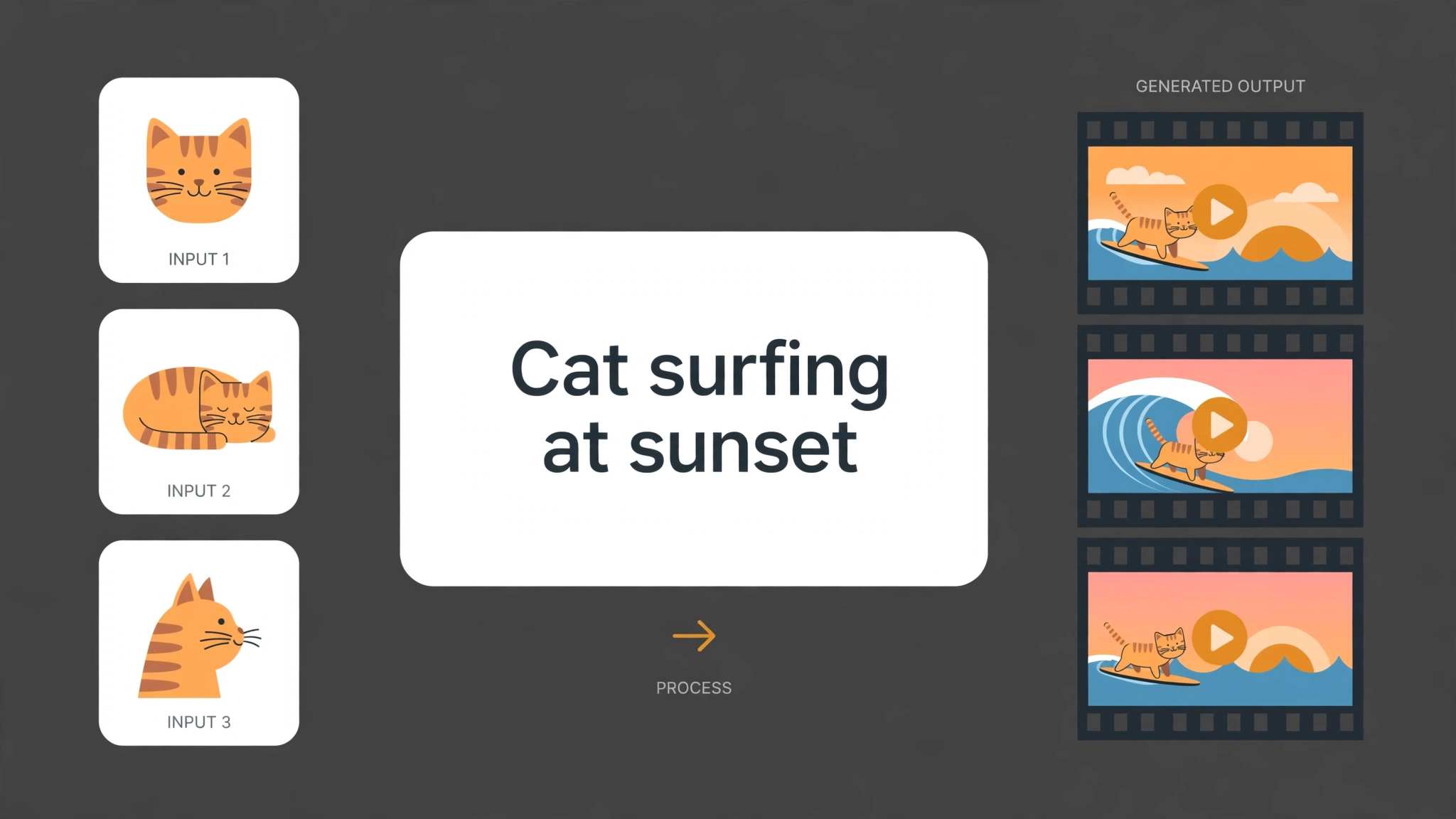
🎥Text to VideoType a sentence, get a video — with optional first and last frames, camera moves and transitions in one take.🎬Video Face SwapFrame-by-frame face tracking for video — smooth, flicker-free, with original audio preserved.🖼️Image to VideoUpload reference images, write a sentence, and AI turns them into video — subject and style locked to your images.🎭Video Character ReplaceUpload character photos and a target video — AI swaps the character in the video for the person you choose, keeping the motion and scene intact.
Browse all features
📰BlogArticles, guides and technical breakdowns
Pricing
Home

Image

🎨Text to ImageType a sentence and AI generates the image — photos, illustrations, product shots, design renders.🖌️AI Image EditorUpload images, write one sentence, and AI edits the picture your way — recolor, restyle, change the mood, no Photoshop.👔Outfit ChangeUpload a photo and let AI swap the outfit in one click — draped naturally to the body, with matching light and shadow.🖼️Background EditorRemove backgrounds in one click and drop in any scene — with hair-level edge precision.😀Face SwapUpload the original photo and the target face — AI blends features, skin tone, and expression seamlessly.🦸Character SwapSwap the person in any photo with a character of your choice — pose and action perfectly preserved.✨Anime StyleTurn real photos into Pixar, Ghibli, anime, and more cartoon styles.

Video

🎥Text to VideoType a sentence, get a video — with optional first and last frames, camera moves and transitions in one take.🎬Video Face SwapFrame-by-frame face tracking for video — smooth, flicker-free, with original audio preserved.🖼️Image to VideoUpload reference images, write a sentence, and AI turns them into video — subject and style locked to your images.🎭Video Character ReplaceUpload character photos and a target video — AI swaps the character in the video for the person you choose, keeping the motion and scene intact.

Resources

📰BlogArticles, guides and technical breakdownsPricing

Blog

News, technical breakdowns, and guides for AI image and video creation.
All (7)News (0)Technical articles (0)Guides (7)
GuidesNovember 23, 20265 min readTurn a Product Photo into a Video Ad with AIAnimate a product photo into a video ad with AI by uploading 1–5 reference photos and writing one sentence about the motion — the tool keeps the product looking like your product while it moves. Here is how it works, what a 5-second clip costs, and when to use it instead of text-to-video.GuidesNovember 21, 20265 min readAI Product Photo Backgrounds: From Phone Shot to Listing-ReadyRemove the background from a product photo with AI by uploading the shot and picking a new background — the tool cuts the product out, matches the light, and exports a listing-ready image. Here is how it works, what one image costs, and when to use a white, transparent, or scene background.GuidesNovember 20, 20267 min readHow to Write Text-to-Video Prompts: 3 Real ExamplesA good text-to-video prompt is one block of plain English: scene first, then subject, action, camera move, and sound. Here are three real prompts run on SheenCloud, with the actual videos they produced.GuidesNovember 16, 20265 min readHow to Swap a Face in a Photo with AISwap a face in a photo with AI by uploading the original photo and one clear face photo — the tool blends features, skin tone, and lighting while keeping the original expression. Here is how it works, what one swap costs, and when to use it instead of a video face swap.GuidesNovember 12, 20265 min readAI Video Face Swap Without Watermark: What Actually Works in 2026Swap a face in a video with AI by uploading a clear face photo and the video — the tool tracks the face frame by frame and keeps the original audio. Here is how it works, what a 5-minute video actually costs, and how to get a watermark-free result.GuidesNovember 9, 20265 min readHow to Replace a Person in a Video with AI (No Reshoot)Upload 1–5 photos of the person you want and the video to change, and AI replaces the person in the video while keeping the scene, motion, and timing. Here is how it works, what to prepare, and when to use it instead of a face swap.GuidesNovember 3, 20263 min readHow to Change an Outfit with AI: A Practical Guide for Sellers and CreatorsUpload a person photo and a garment photo, and AI drapes the garment onto the person with matching folds and lighting — usually in 1–3 minutes. Here is how to get a clean result, and what to check before you publish it.